
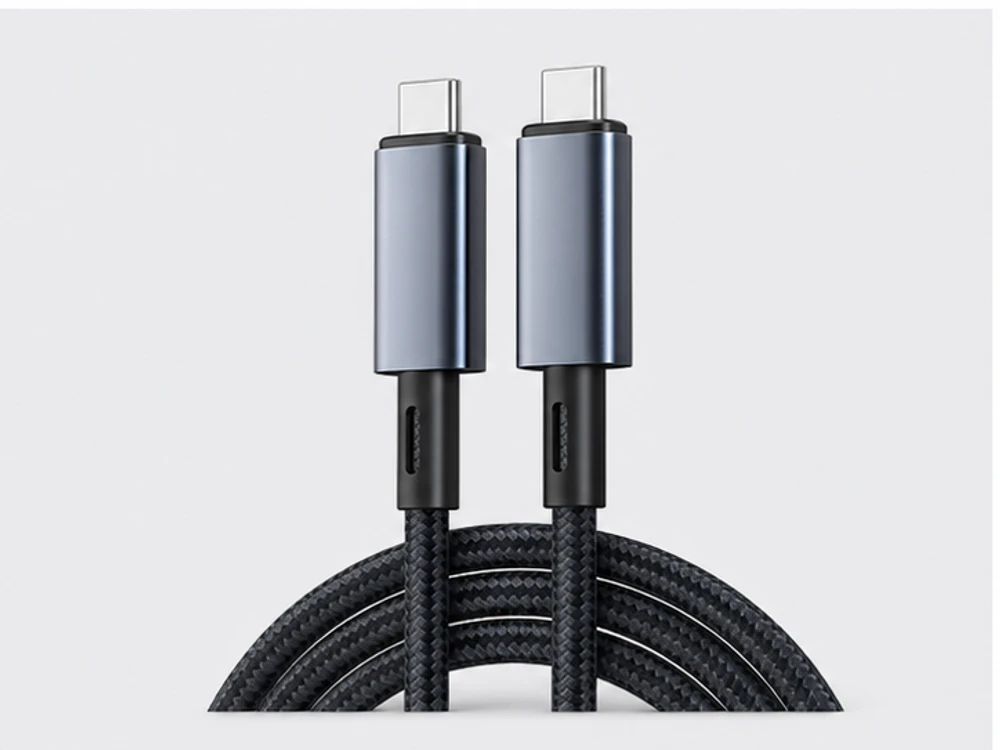
Start with the complete buying decision
Do not order a USB cable by connector shape alone. State the USB standard (2.0, 3.0 or USB-C), the connector on each end, the function (charging, data or extension), the length and the jacket. The USB-C connector shape does not by itself tell you the data rate or power capability, so the standard and function must be specified.
1. Specify the standard first
USB 2.0, USB 3.0 and USB-C describe different data rates and capabilities. The USB-C connector is a shape, not a performance guarantee — a USB-C cable can be built to different standards. State the standard and the intended use so the right construction is quoted.
| Need | Typical spec | Key inputs |
|---|---|---|
| Charging lead | USB-A or USB-C to device end | Standard, length, jacket |
| Data cable | USB 2.0 / 3.0 / USB-C | Standard, connectors, length limit |
| Extension | Male–female, same standard | Standard, length, signal margin |
2. Name both connectors
Give the connector on each end: USB-A, USB-B, Micro-USB, Mini-USB or USB-C. Charging, data and extension formats differ, so a 'USB-A to USB-C' data cable is a different item from a 'USB-A to USB-C' charging cable.
3. Length, signal margin and jacket
Maximum reliable length depends on the standard — higher-speed USB has tighter length limits. Cables are offered from 0.5m to 10m depending on standard and connector, with PVC or nylon-braided jackets. Confirm the length and jacket for each assembly.
4. Put it together in the RFQ
State the standard, both connectors, the function, the length and the jacket per line. The USB-IF describes USB-C as a connector used across multiple standards, which is exactly why the standard must be named alongside the shape.
Procurement checklist
- 01USB standard (2.0 / 3.0 / USB-C) per line
- 02Connector on each end
- 03Function (charging / data / extension)
- 04Length within the standard's limit
- 05Jacket (PVC or braided)
- 06Quantity and packing / label needs
Common mistakes
- Ordering by 'USB-C' shape without naming the standard
- Assuming any USB-C cable carries full data or power
- Requesting long runs beyond the standard's length limit
- Leaving the second connector unspecified
- Not stating charging vs. data function
Questions buyers ask next
Does the USB-C shape guarantee fast data or charging?
No. USB-C is a connector shape used across different standards, so a USB-C cable can be built to different data-rate and power capabilities. Name the standard and function, not just the shape.
Technical source: USB Implementers Forum (USB-IF)How long can a USB cable be?
It depends on the standard — higher-speed USB has tighter length limits. State the required length so the correct standard and construction can be confirmed.
Sources & further reading
Official material used for the factual statements on this page.
- USB Implementers Forum (USB-IF)USB-C Cables & Connectors