
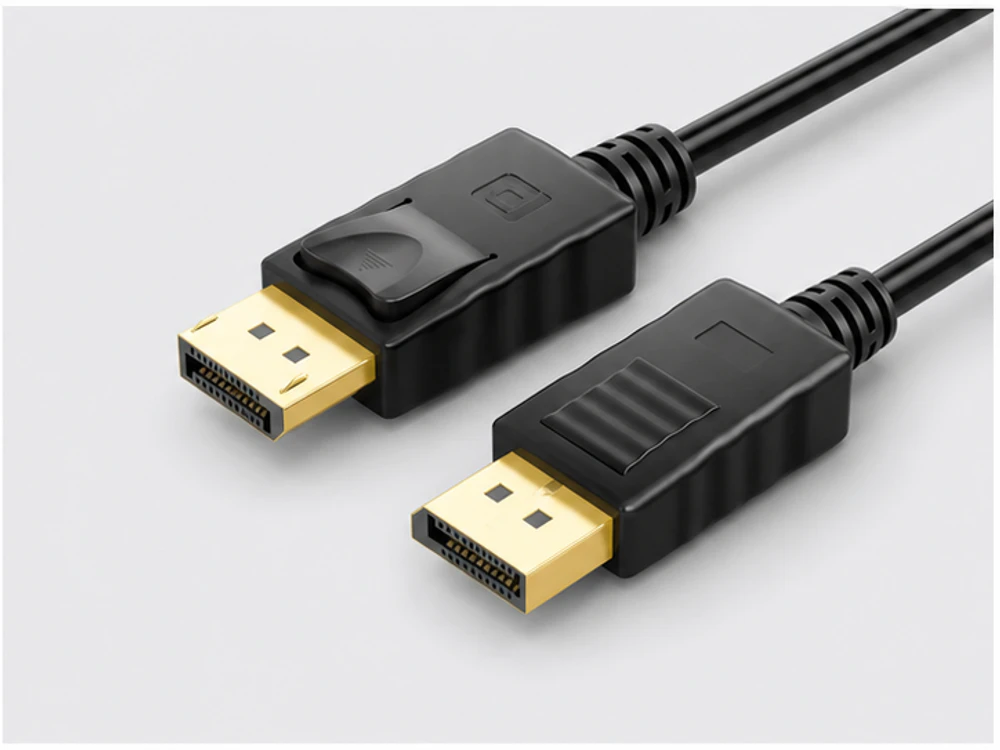
Start with the complete buying decision
DisplayPort is the current digital standard for high resolution and refresh; DVI is an older digital (and dual-mode) interface; VGA is legacy analogue for older equipment. Choose by the ports on both the source and display, the target resolution and the run length. Where the ports differ, use an adapter cable and confirm the conversion direction and supported resolution.
1. The three interfaces
DisplayPort is a modern digital interface for high resolution and refresh rates. DVI is an older digital interface still common on workstations and monitors. VGA is a legacy analogue interface for older projectors and displays. Start by reading the ports on both devices.
| Interface | Signal | Typical use |
|---|---|---|
| DisplayPort | Digital, high bandwidth | Current monitors, workstations, AV |
| DVI | Digital (dual-mode) | Older monitors and graphics cards |
| VGA | Analogue | Legacy projectors and displays |
2. Resolution and run length
The reliable maximum length varies by interface and resolution — higher resolutions over long runs may need heavier or active constructions. Display cables are offered from 1m to 30m by signal format; confirm the resolution and length together for each assembly.
3. When ports differ: adapter cables
When the source and display use different interfaces, an adapter cable bridges them — DisplayPort to HDMI, DisplayPort to VGA, USB-C to HDMI and so on. VESA describes DisplayPort as a digital interface with dual-mode and adapter options, but conversion is directional, so the direction and target resolution must be confirmed for every adapter.
- Source interface and display interface
- Required conversion direction
- Target resolution and refresh
- Whether an active or passive adapter is needed
4. Specify by ports, resolution and length
Give the interface on each end, the target resolution, the run length and — for mixed ports — the adapter direction. That prevents ordering a cable that fits the sockets but cannot carry the required signal.
Procurement checklist
- 01Interface on the source device
- 02Interface on the display
- 03Target resolution and refresh
- 04Run length per line
- 05Adapter direction where ports differ
- 06Active vs. passive adapter need
- 07Quantity and label requirements
Common mistakes
- Choosing by connector shape without checking signal support
- Ignoring resolution when planning long runs
- Assuming an adapter works in both directions
- Overlooking that VGA is analogue and limited
- Not confirming the target resolution for adapters
Questions buyers ask next
Which is best — DisplayPort, DVI or VGA?
DisplayPort is the current digital standard for high resolution; DVI is older digital; VGA is legacy analogue. The right choice depends on the ports on both devices and the target resolution.
Technical source: VESADo adapter cables convert in both directions?
No — video adapters are directional. Confirm the source, display and required direction for every adapter model.
Sources & further reading
Official material used for the factual statements on this page.